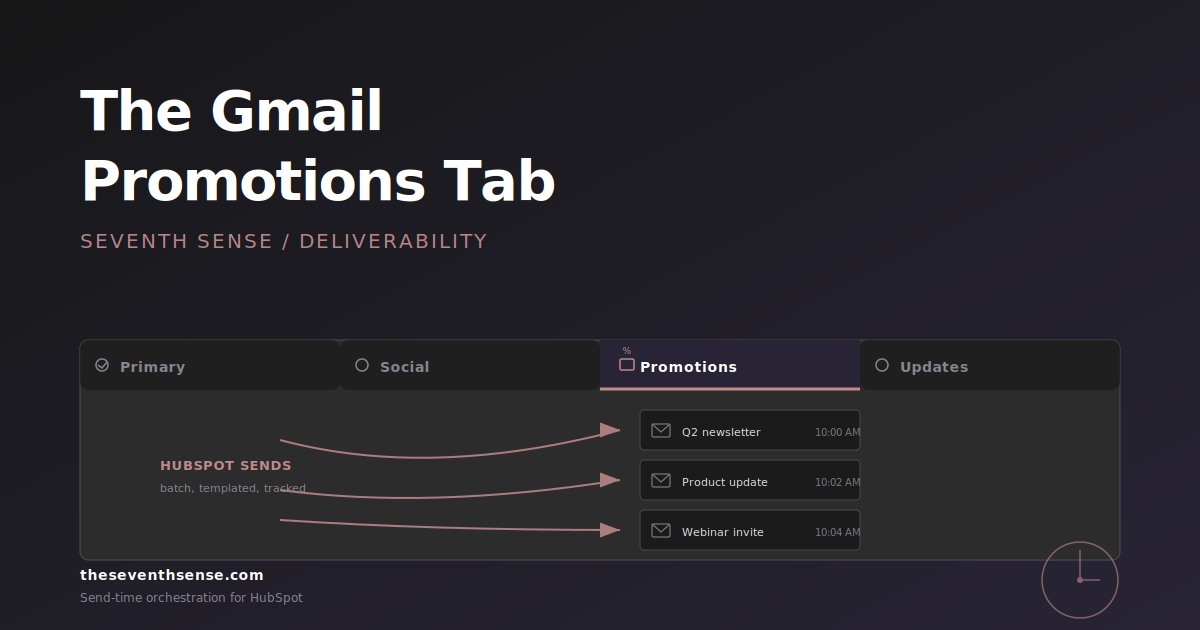
A founder at an early-stage SaaS company DM'd me last spring with what he called an emergency. His investor update had landed in the Gmail Promotions tab. Not spam - Promotions. He'd seen the tab himself when his cofounder forwarded it back. He was convinced HubSpot was broken. He was wrong, in the way most people are wrong about the Gmail promotions tab HubSpot question: he thought the tab was a punishment. It isn't. It's a sorting mechanism, and most of the time, it's sorting your email exactly where it belongs.
In my experience, the Gmail Promotions tab is the single most over-diagnosed problem in HubSpot deliverability. It's also one of the most over-corrected ones - marketers strip every image, every link, and every call to action from their email trying to escape it, and end up with a worse email that still lands in Promotions because that's where their content category belongs.
What the Gmail Promotions tab actually is
The Promotions tab is one of Gmail's category tabs - alongside Primary, Social, Updates, and Forums. It's not spam. The email is delivered, it's in the inbox, and the recipient can open it just as easily as a Primary tab message. It just lives in a different visual container.
Gmail introduced tabs in 2013, and they exist for a single reason: most Gmail users were drowning in marketing email, and Gmail's product team needed a way to separate it from personal correspondence without going to the nuclear option of spam-filtering everything. Promotions is the answer. It says: "this looks like marketing email; you probably don't need to see it the moment it arrives, but it's here when you want it." Google's sender guidelines are the most authoritative public read on how the category is calibrated.
The hard truth most marketers don't want to hear: if your email is marketing email, Promotions is the correct tab for it. Trying to land marketing email in the Primary tab is like trying to land a podcast episode on the front page of a newspaper. It's a category error.
When Promotions placement is actually a problem
There are exactly two situations where Promotions placement is a real problem:
- Transactional or one-to-one email landing in Promotions. Order confirmations, password resets, sales-rep follow-ups, and personal communications belong in Primary. If they're landing in Promotions, something about the content or sender pattern is reading as marketing to Gmail, and that's worth fixing.
- Marketing email that has historically landed in Primary suddenly landing in Promotions. The placement change - not the placement itself - is the signal. A change usually means something specific moved your reputation or your content pattern in a direction Gmail is reading as more promotional.
Outside those two situations, Promotions placement is a feature, not a bug. The marketers who obsess about Promotions for routine newsletters are usually optimizing the wrong variable. The right question is "what's my open rate from the Promotions tab?" not "how do I escape it?" A small seed list is the cheapest way to find out which tab your sends are actually hitting.
How Gmail decides what goes to Promotions
Gmail's tab classification is a machine learning model, and Google doesn't publish the exact weights. What's well-established from years of observation:
- Sender pattern. If you send to lots of recipients with similar content (the definition of a newsletter), Gmail learns to classify your sender as promotional.
- Content signals. Heavy image-to-text ratio, multiple CTAs, formatted product blocks, unsubscribe links, "view in browser" links, and marketing-specific language all push toward Promotions.
- Recipient-level engagement. If a specific recipient consistently opens your messages and replies, Gmail learns to route your sender to their Primary. If they don't, Gmail leans toward Promotions for that recipient.
- List address. Mail sent to a List-ID header (which HubSpot sets) reads as bulk and trends toward Promotions.
- Authentication and sender reputation. Failures push toward spam, not Promotions, but a weak reputation makes Promotions placement more likely for content that's on the edge.
The key insight: most of these signals are calibrated at the recipient level, not the sender level. Two people on the same campaign can get different tab placements based on their individual engagement history. There is no global "escape Promotions" toggle because Gmail's decision is personalized.
HubSpot patterns that increase Promotions placement
The HubSpot-specific patterns we see most often:
Template-driven design
HubSpot's marketing email tool is built around drag-and-drop templates with image blocks, button modules, and structured layouts. Beautiful. Conversion-friendly. Also exactly what Gmail's classifier learned looks like Promotions. The more template-y your email looks, the more Promotions-y it reads.
Heavy use of tracked links
HubSpot wraps every link in tracking redirects (e.g., hubspotlinks.com or your tracking subdomain). Gmail can see this. A high density of tracking-wrapped links pushes toward Promotions because that's a hallmark of bulk marketing email.
The "view in browser" and "manage preferences" footers
HubSpot's default footer includes both. Both are strong Promotions signals. They're legally required for marketing email in many jurisdictions, and you can't remove them - but you also shouldn't pretend they don't affect placement.
Send patterns that look like batch-and-blast
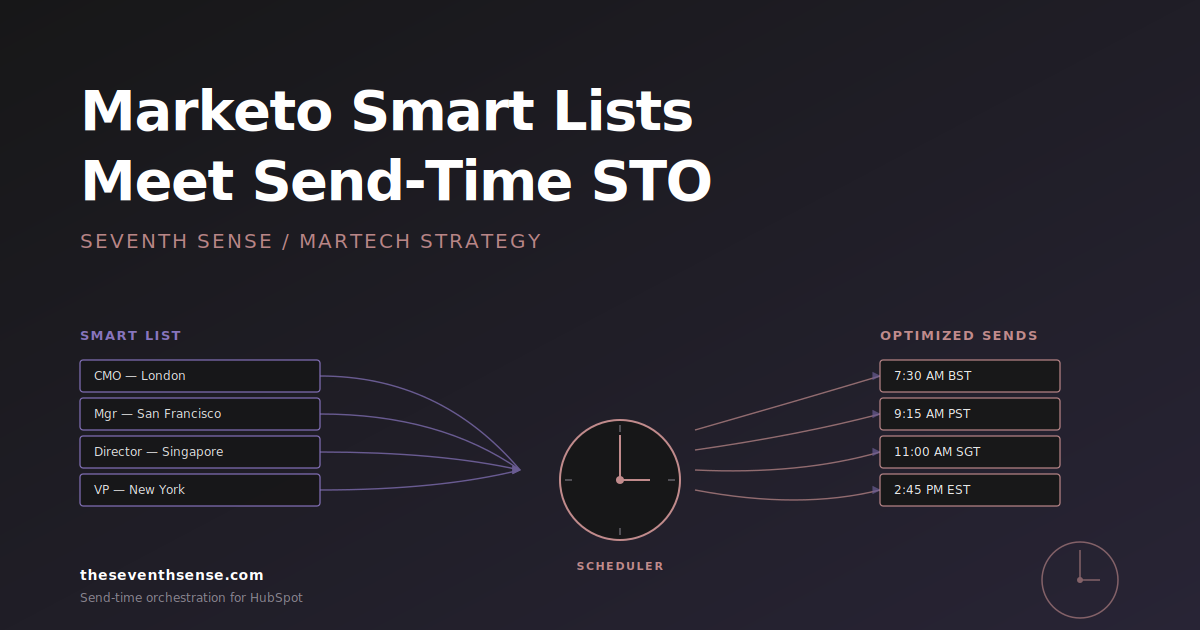
If you send a 50,000-recipient campaign at exactly 10:00 AM every Tuesday, Gmail's send-pattern detection notices. The more your sends look like a batch broadcast, the more they read as promotional. Spreading the send out - which is exactly what send-time optimization does - weakens that signal.
What actually moves you out of Promotions
The two changes that consistently move marketing email toward Primary are also the two changes most marketers don't want to make:
One: write the email like a person wrote it to a person. Plain text or near-plain text, conversational tone, one CTA at most, no template scaffolding. The closer your email reads to a 1:1 message from a colleague, the more likely Gmail is to put it in Primary. This isn't a copywriting trick; it's a structural change. The trade-off is real: you'll lose some of the brand polish that comes from a designed template. For sender families where Primary placement matters - founder updates, executive communications, customer success outreach - the trade is worth it. For your monthly newsletter, it usually isn't.
Two: send at recipient-specific times based on individual engagement. This breaks the batch-and-blast pattern that signals "marketing campaign" to Gmail. When the same campaign goes out across a 24-hour window personalized to each recipient, the per-recipient signal looks much more like a 1:1 send and less like a bulk one. This is the core of what recipient-level send-time optimization does, and it's the deliverability benefit marketers don't usually associate with STO - the engagement lift gets all the attention, but the placement signal is real.
The principle: Gmail's tab classifier reads sending patterns as much as it reads content. You can rewrite the email forever, but if your send pattern still looks like a batch broadcast, the email still looks like Promotions.
Where Seventh Sense fits in
The reason send-time optimization helps Gmail tab placement isn't magic. It's that staggering sends across recipient-specific windows breaks the batch-pattern signal that Gmail uses as a Promotions cue. Our Campaign Orchestration work shipped in February 2026 doubles down on this - the AI manages release timing per recipient across campaigns, not per campaign across recipients, which is the version of STO that produces the strongest non-batch signal.
The other side of the story: provider-specific reporting tells you whether the Gmail placement work is actually paying off. If you can't see Gmail performance separately from your other providers, you can't tell whether the changes you made moved the needle. Google Postmaster Tools is the closest first-party signal you'll get from Gmail itself.
Frequently asked questions about Gmail Promotions tab and HubSpot
Is the Gmail Promotions tab the same as spam?
No. Promotions is the inbox, just a different category tab. Spam is a separate folder, and emails in spam are virtually never seen. Open rates from Promotions are roughly half what they are from Primary, but they're still meaningful. Spam open rates are functionally zero.
Will removing all images push me out of Promotions?
Probably not by itself. Image density is one of many signals Gmail uses, and stripping images while keeping the rest of a templated marketing structure usually doesn't change placement. The pattern Gmail reads as Promotions is the combination of template structure, send pattern, and content category - not any single content element.
Should HubSpot transactional emails land in Primary?
Yes. If your password resets, order confirmations, or one-to-one sales outreach are landing in Promotions, something about the send pattern or content is reading as marketing. The fix is usually to ensure those sends use a transactional template, a different sending domain or subdomain, and a content pattern that doesn't include marketing footer elements.
Does asking recipients to drag emails to Primary actually work?
Yes, for that recipient. Gmail's per-recipient learning treats a "move to Primary" action as a strong signal. It does not change placement for other recipients. The "drag this to Primary" ask is a tactic that affects one inbox at a time and doesn't scale, but for your most important recipients (executives, customers, partners), it's the most direct intervention available.
Where to go from here
Before you spend a quarter trying to escape Promotions, ask whether Promotions is actually the wrong tab for the email. For most marketing newsletters, it isn't. For transactional and one-to-one email, it is.
If you want to see how your sends are landing across Gmail specifically - and whether send-pattern changes are actually moving placement - the free trial of Seventh Sense includes the provider-specific reporting that makes Gmail performance visible. You'll see your Gmail open rate separately from your overall number, which is the only way to tell whether your Promotions interventions are working.
Stop optimizing for the wrong tab. Optimize for the right behavior.
See what your email program could be doing.
Connect Seventh Sense to your HubSpot portal and watch the AI surface per-person engagement profiles, per-inbox-provider performance, and AI-driven optimization recommendations - within 24 hours.
Try it free →